Features
Friends, Moments, Circles, messages, search and alerts. All of it points back at real places and the people there.
Links
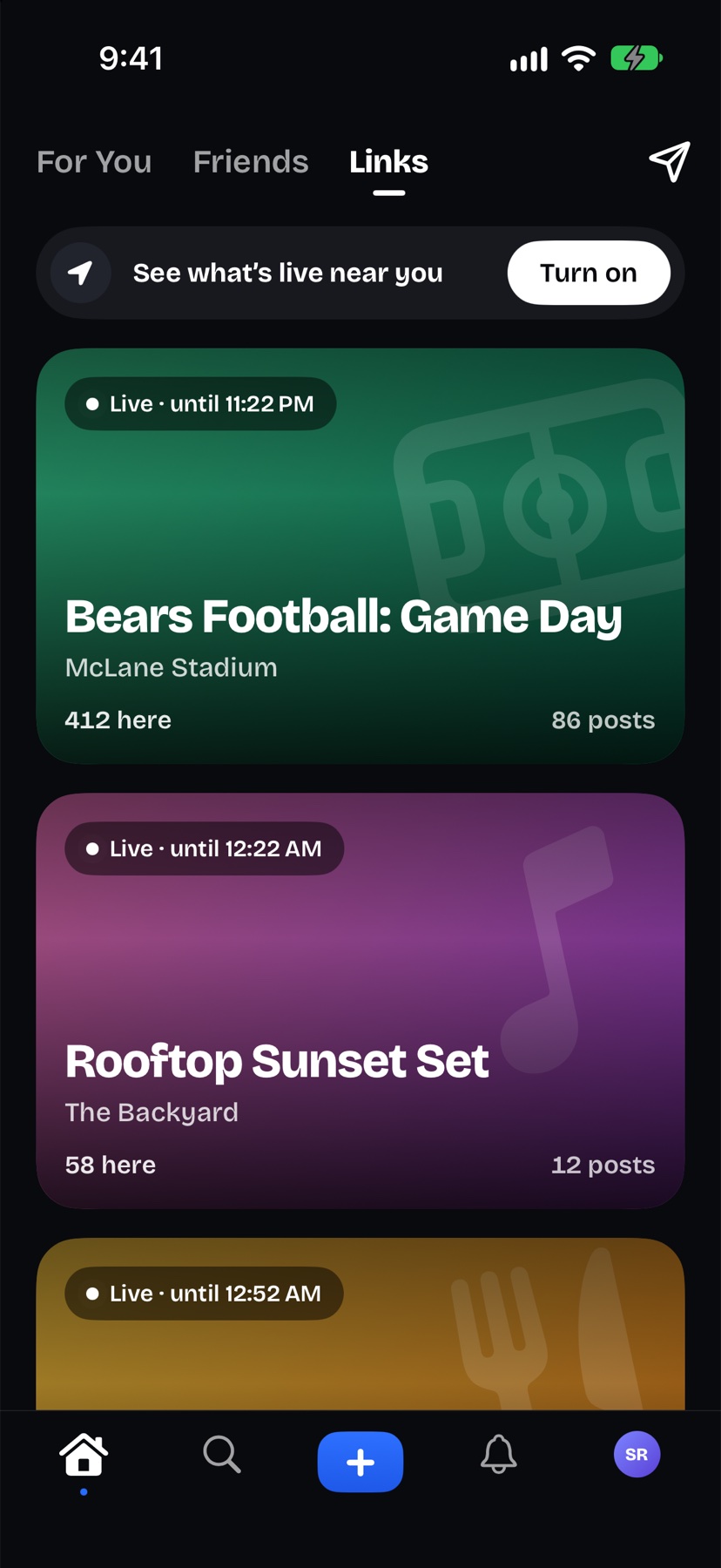
Live Links nearby
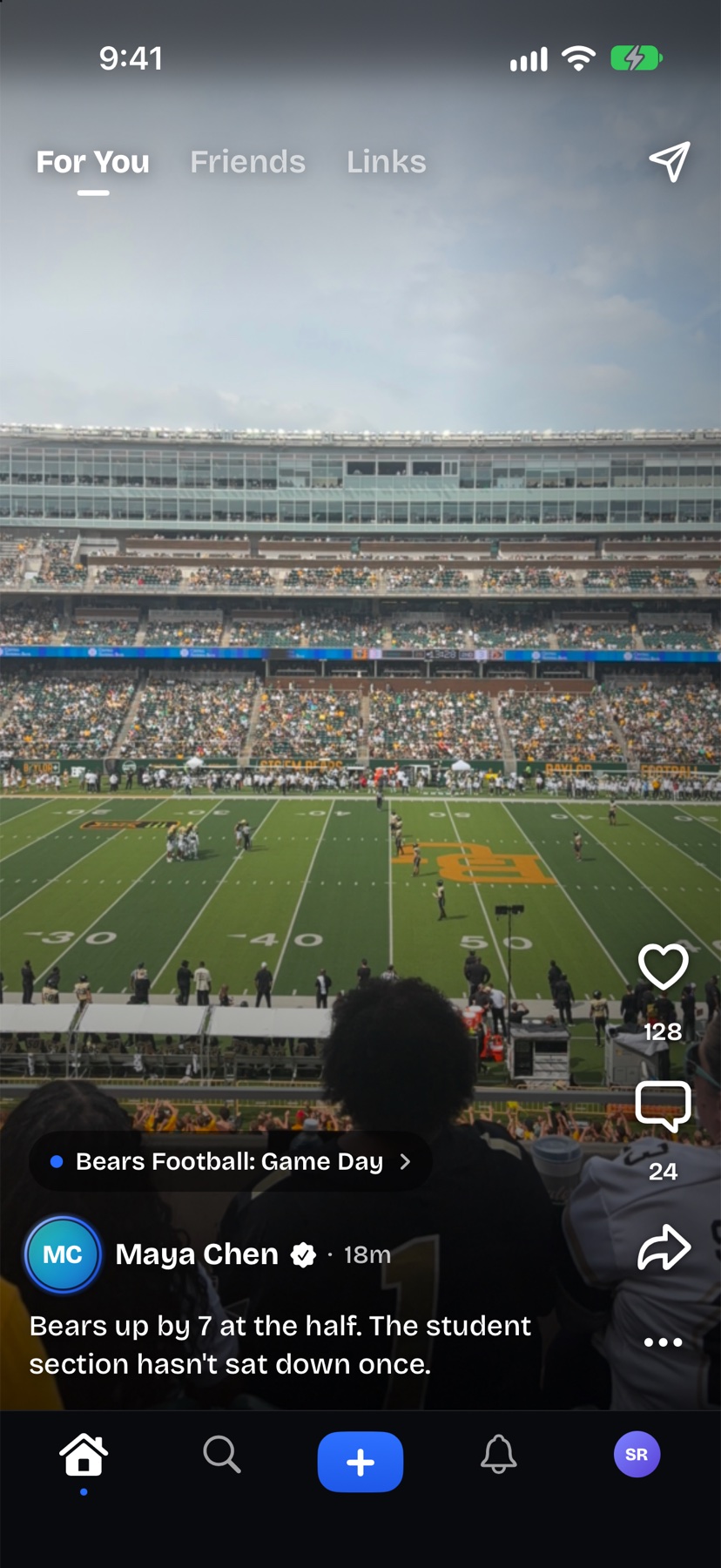
A Link is a temporary space built around something happening at a real place: a game, a show, a party, a pop-up. The ones near you come first, with how many people are there and when each one ends.
Be there to post
Join a Link or post in it when you’re within three miles of it. Anyone signed in can follow along from anywhere.
Explore
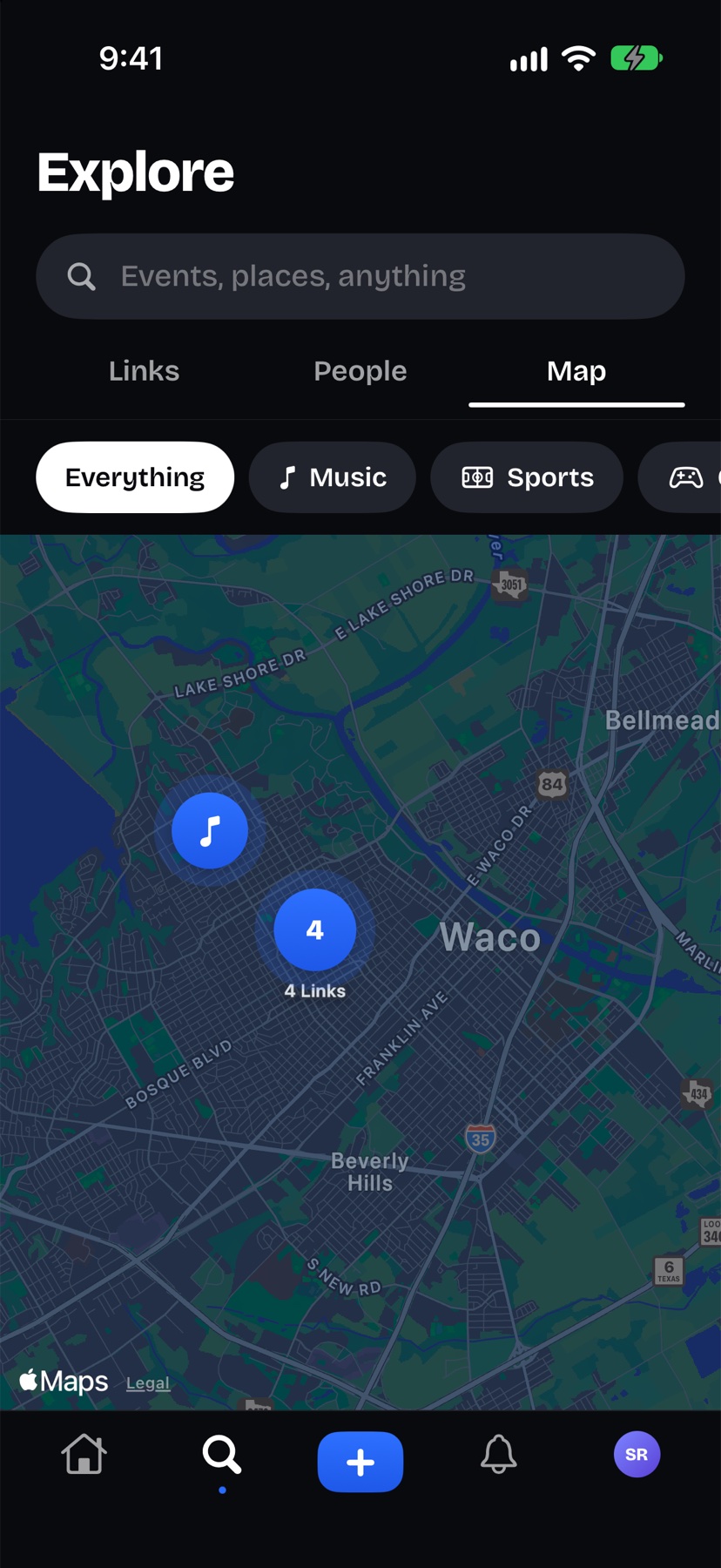
See Links by place on the map, built on Apple Maps.
Nearby Link alerts
Hear when a Link goes live close by. Turn them on or off with their own switch.
Lock Screen
Keep the Link you’ve joined on your Lock Screen and in the Dynamic Island while it’s live.
Link pages and posters
Every Link has a web page anyone can open from its link or QR code, and organizers can print a poster for it. The organizer can turn the page off at any time.
Moments
Three a day
Share a photo, a short video or a few words with your friends. You get three a day, and the limit resets at your midnight.
24 hours, then Archive
Moments leave the Friends tab after 24 hours and stay in your private Archive until you delete them.
Close Friends
Share a Moment with only your Close Friends. The list is private, even from the people on it.
Places
Tag a business or landmark from Apple Maps. It’s a place you pick, never where you are.
Want to go
See a spot in a friend’s Moment? Save it, and it’s one tap to get there later.
Views and likes
Only you see who viewed or liked your Moments.
Friends and messages
Friends, no requests
Follow each other and you’re friends. That’s it.
Activity
See who liked, commented and followed, all in one place.
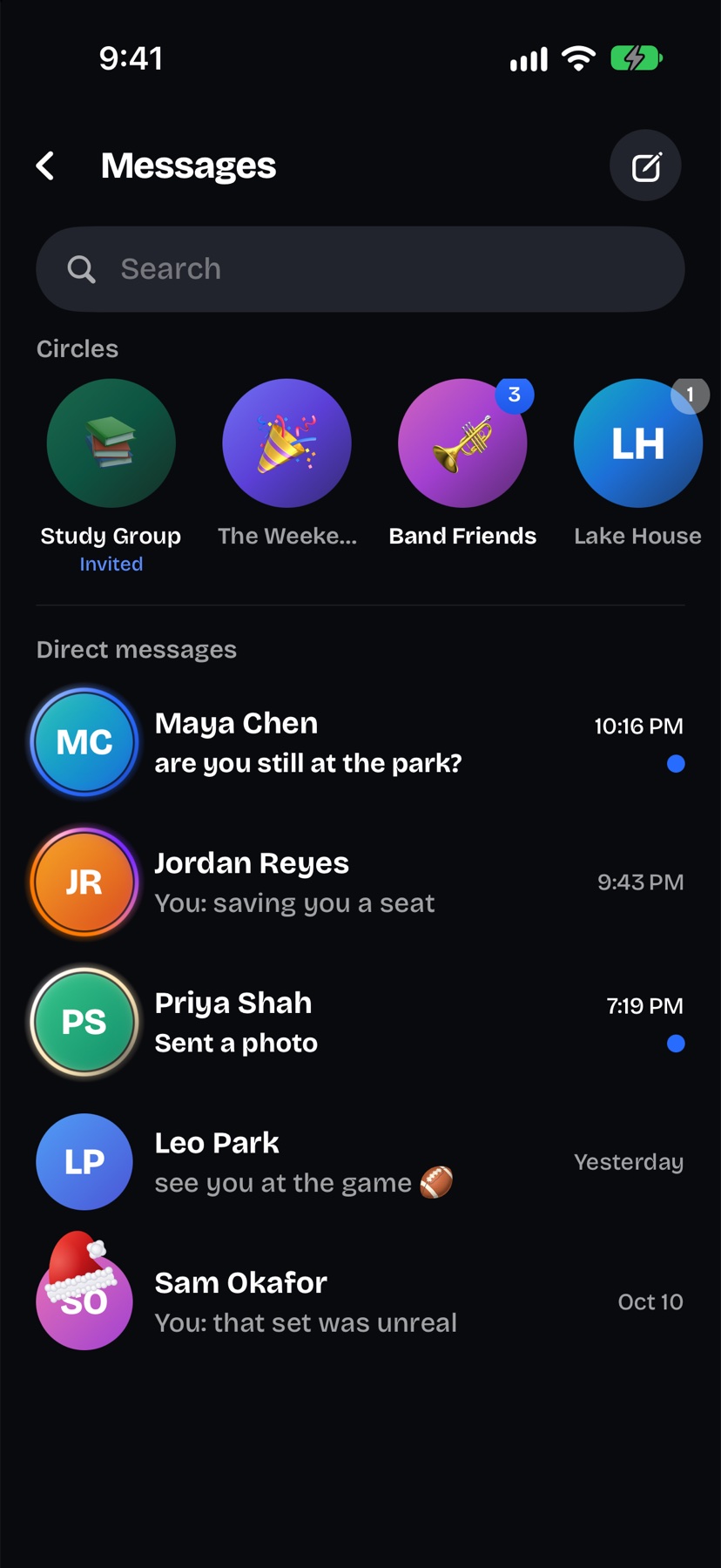
Messages
Photos, replies and reactions, with your Circles up top.
Search
Search for people, places and Links.
Circles
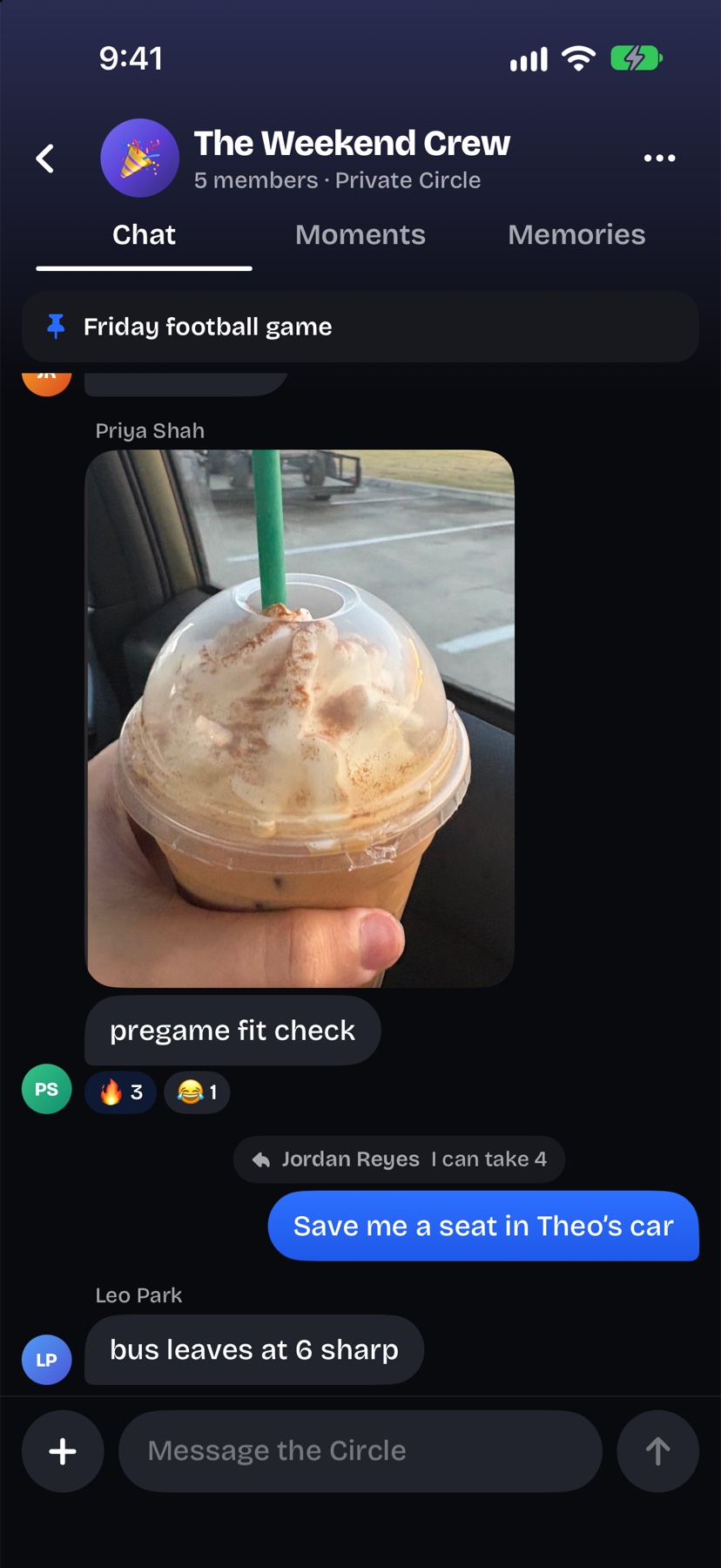
Private group chats
For the people you see every week, with your group’s Moments, memories and plans in one place.
Invite-only
Someone in the Circle approves each new member, and Circles never show up in search.
Invite links
Open a Circle’s invite link on iPhone with Goings installed to ask to join.
History
New members see messages from when they joined.
Memories and recaps
Recaps
When a Link ends it becomes a recap, kept for the people who were there.
Your profile
Your profile fills up with the places you went and who you went with.
Share a month or a year
Turn any month or year from Memories into a link anyone can open, with your name, a few counts and up to 24 photos. Never captions, comments, friends or locations.
Stop sharing
Stop sharing whenever you want, and the link stops working.
Your page
Customization
Choose your page’s colors and banner photo, and which badges to show.
Verified
Artists, venues, schools and organizers can request a verified mark.
Privacy and safety
No ads
Goings doesn’t show ads, and there are no advertising or analytics tools in the app.
Location
Rounded to about 100 meters when you join or post, never shown to anyone, and never kept as a history.
Photo metadata
Photos are re-encoded before upload, and metadata, including location tags, is removed from photos and videos.
Reporting and blocking
Report people, posts, comments, messages and Links, and block anyone.
Requirements
Price
Free.
Device
iPhone.
Age
13 and up. If you’re 13 to 17, a parent or guardian has to be okay with you using Goings.
Sign-in
A six-digit code sent to your email.